

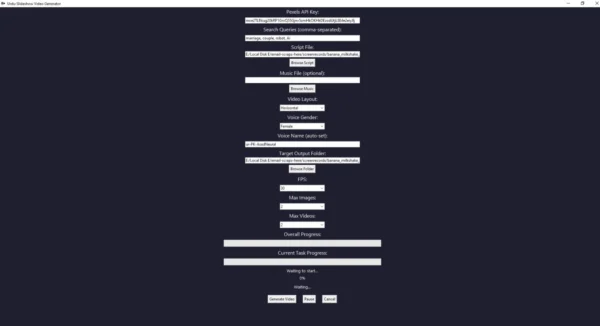
Description
A simple AI-powered tool to generate professional slideshow videos with Urdu voiceovers. Just provide a script, optional background music, and the app will auto-generate a full HD video with images/videos and natural Urdu narration using Microsoft Edge TTS.
⚙️ How It Works:
-
Script File: Provide a
.txtfile with your content (English or Urdu). -
Voiceover: The app auto-detects the language, translates to Urdu (if needed), and generates a voice using Edge-TTS.
-
Media Download: The app downloads free photos/videos from Pexels based on default topics (e.g., people, nature, tech).
-
Slideshow Creation: It matches each voice segment with an image/video, loops them if needed, and adds optional music.
-
Final Video: A high-quality slideshow is rendered and saved to your selected folder — ready for YouTube, TikTok, or presentations.
▶️ How to Use:
-
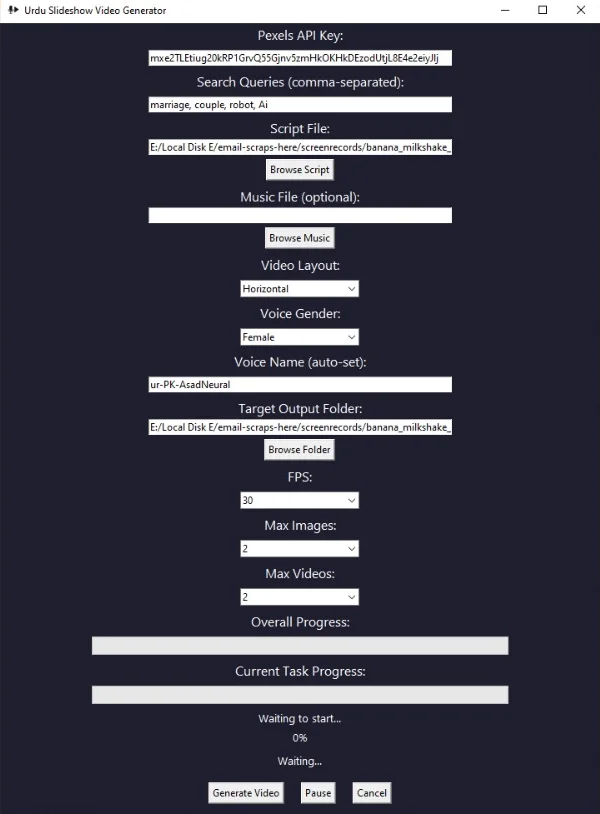
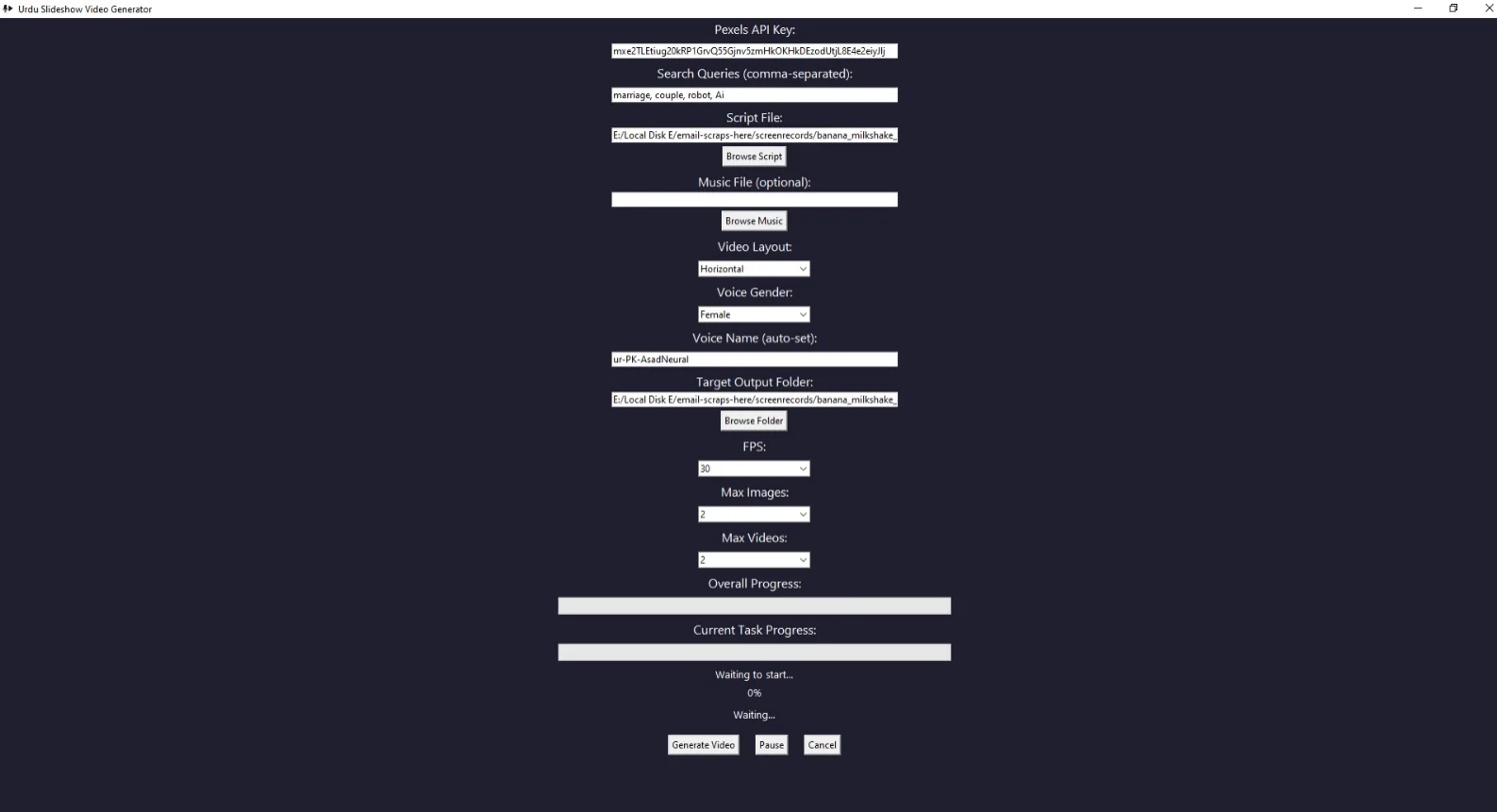
Open the App: Double-click the
urdu-voice.exefile. -
Browse and Select:
-
📝
Script.txt(your written content) -
🎵 Optional background
Music.mp3 -
📁 Choose Output Folder
-
-
Choose Layout:
-
Horizontal (landscape 1920×1080)
-
Vertical (portrait 1080×1920 for TikTok/Shorts)
-
-
✅ Click
Generate Slideshow. -
The tool will:
-
Detect script language
-
Translate to Urdu (if needed)
-
Download media
-
Generate voiceover
-
Create final video
-
-
✅ After a few minutes, your video will automatically be saved and opened!


Reviews
There are no reviews yet.