




Description
📌 What is Realistic Flipbook 3D?
The Realistic Flipbook 3D Addon is a Blender Add-on designed to simulate ultra-realistic animated books with flipping pages, full control over animations, and high-efficiency rendering.
Whether you’re making storybook videos, portfolio showcases, cinematic intros, or animated books for clients, this tool automates the hardest part — animating hundreds or even thousands of pages in one click.
🖼️ Proof of 1000 Pages Support
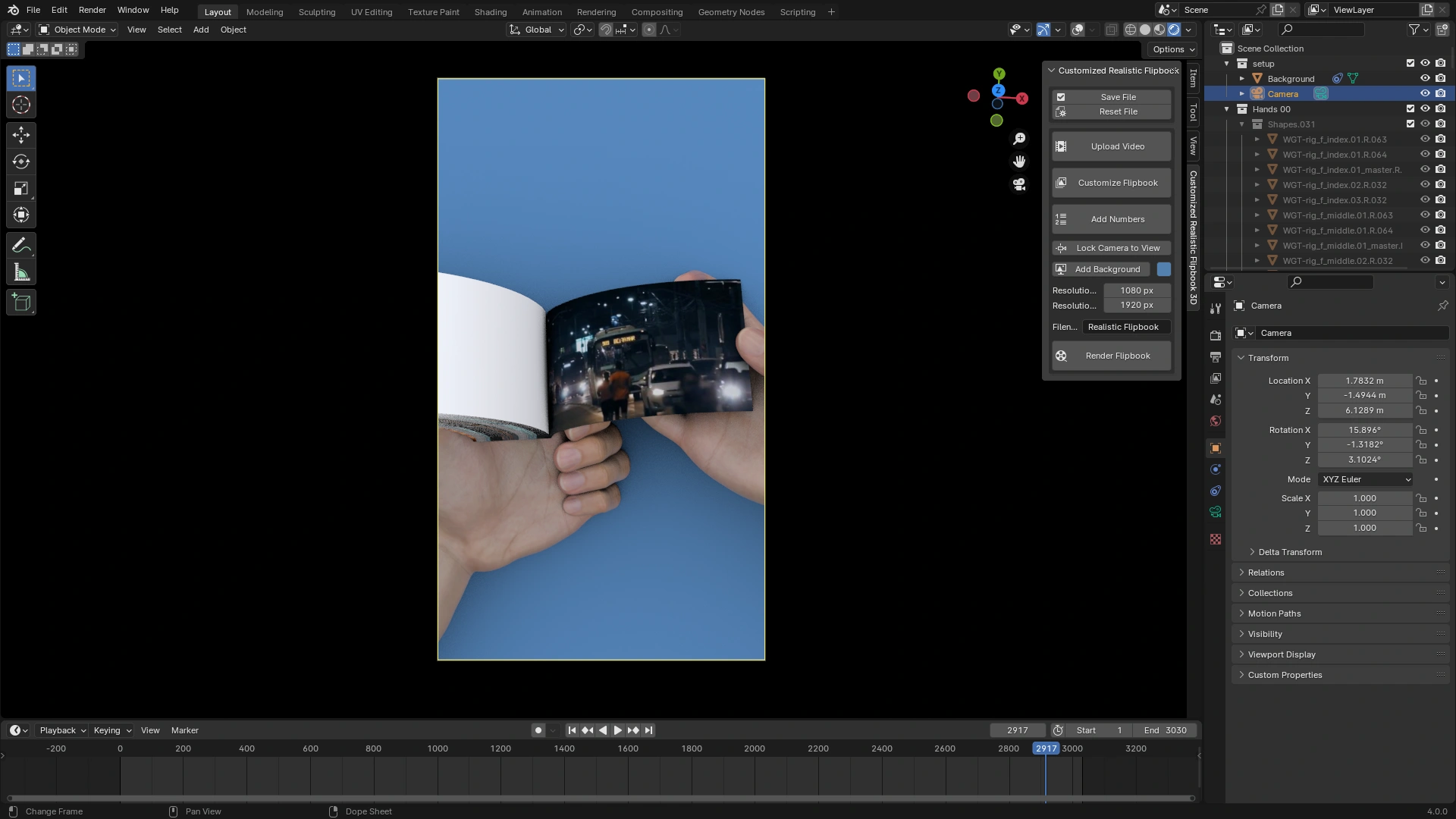
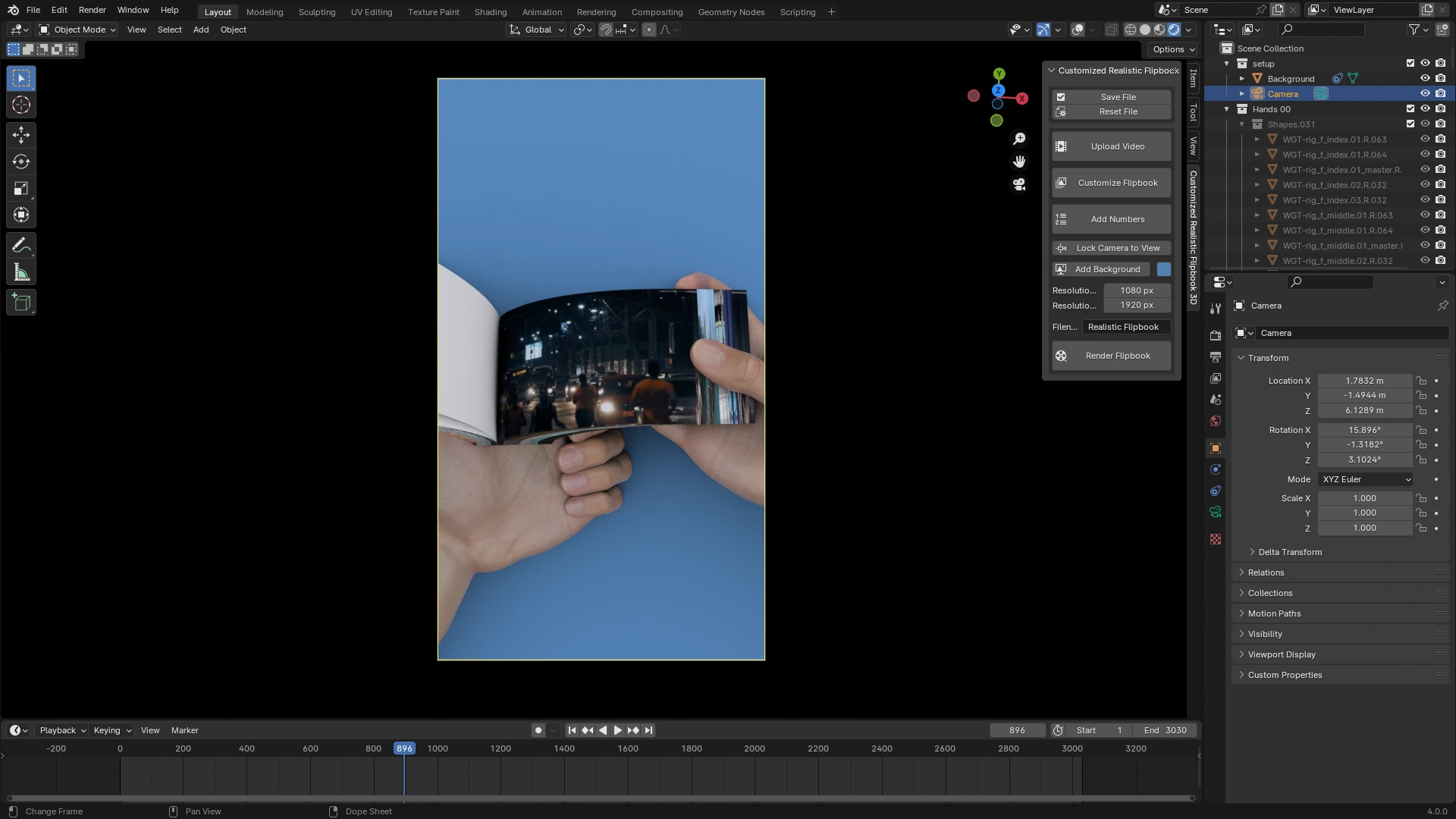
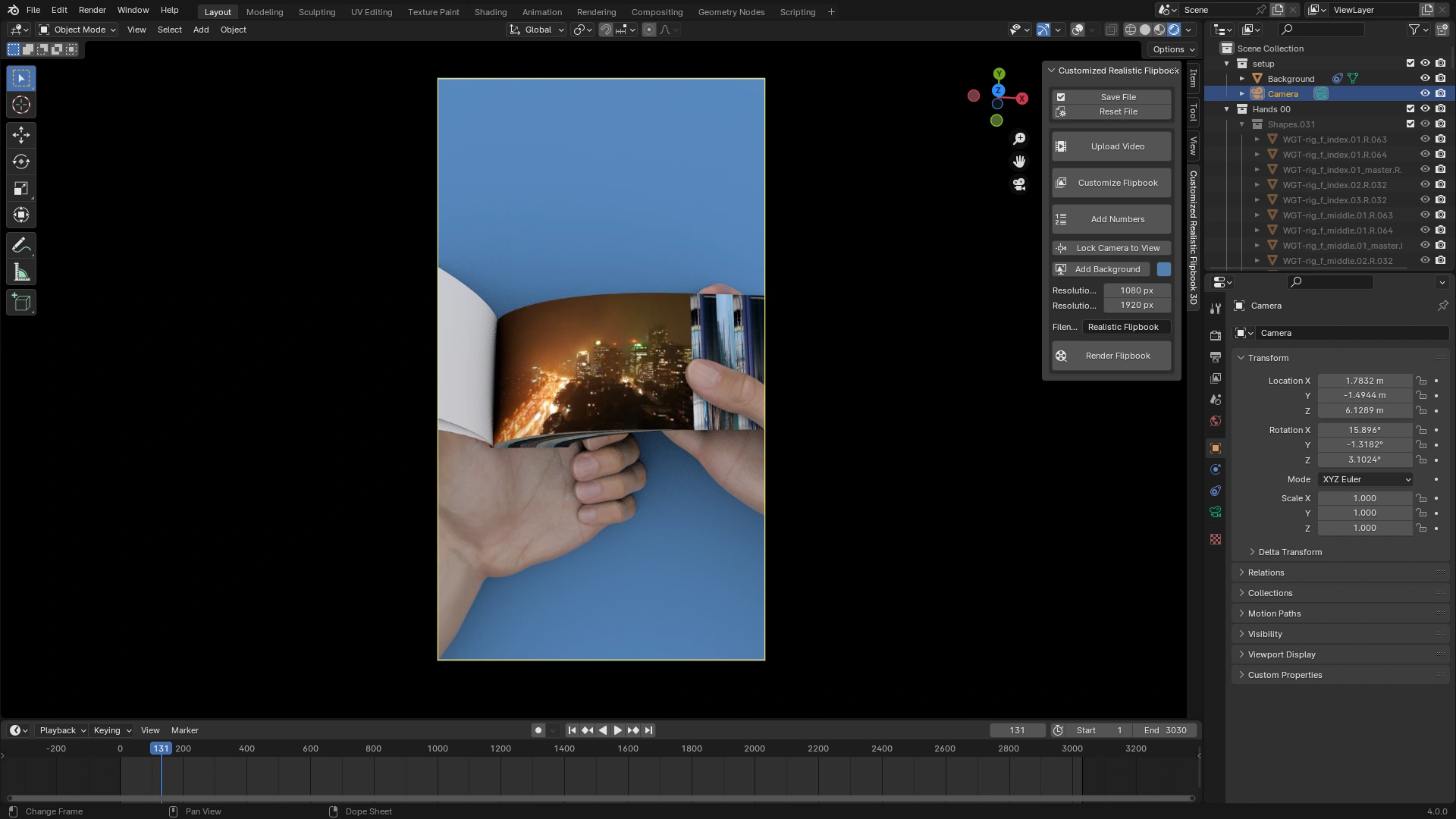
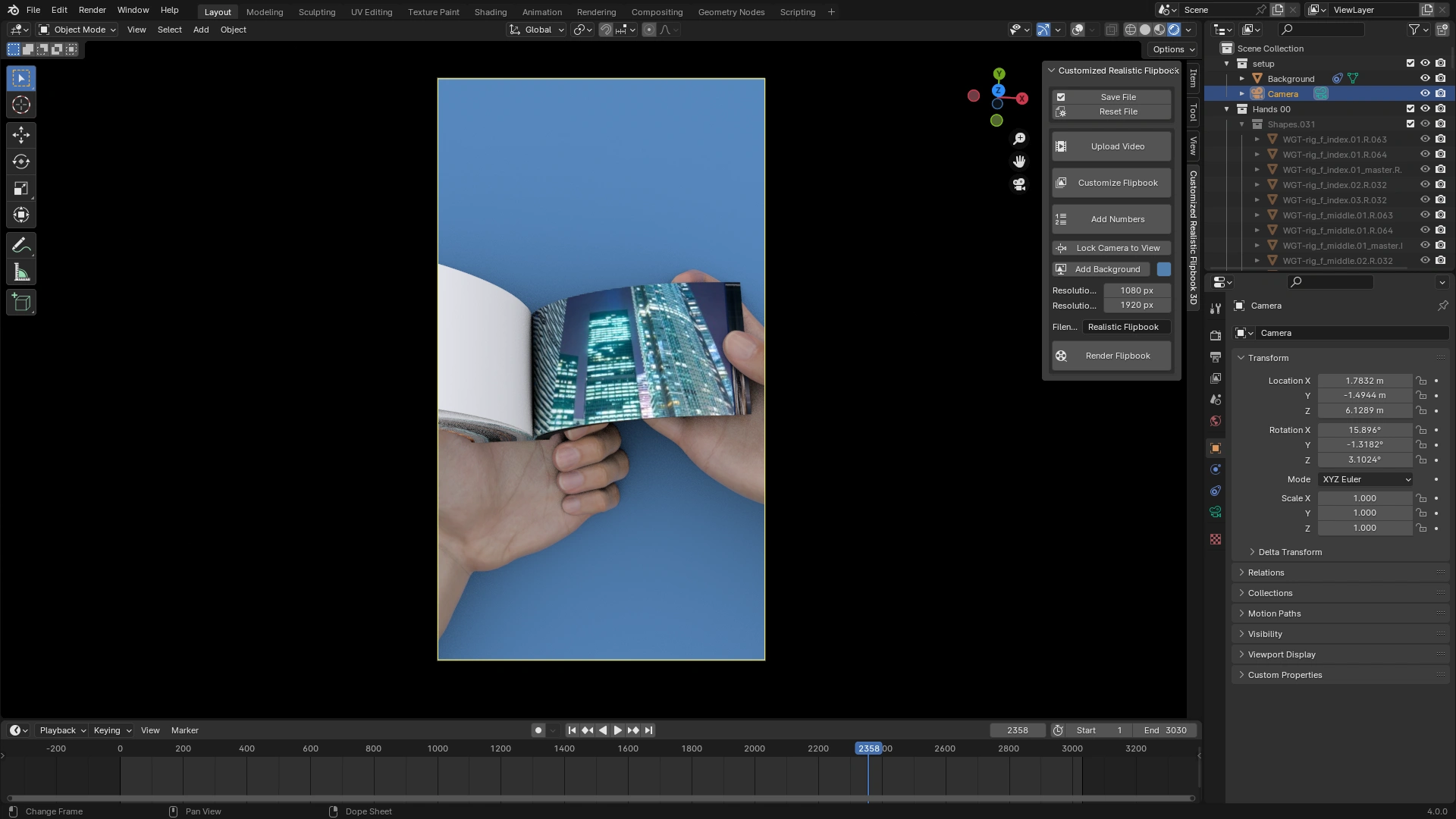
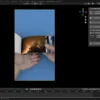
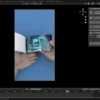
Below is a real screenshot of the flipbook running 1000 animated pages inside Blender 4.0.
✅ Screenshot (Blender 4.0 Viewport with 1000 pages)


The video shows:
- How to install the addon
- How to import images/pages
- Setting page flip speed
- Exporting high-quality animations
⚙️ Installation Guide
- Download the .zip file of the addon.
- Open Blender > Edit > Preferences > Add-ons.
- Click “Install…” and select the zip file.
- Enable “Realistic Flipbook 3D”.
- Use the N-Panel > Flipbook Tab to begin.
🧰 How to Use?
- Create Flipbook: Press “Create Flipbook” → Choose number of pages → Done.
- Add Images: Use “Add Images to Pages” → Select 1000 images → Pages auto-filled.
- Animate: Set flip interval (frames), enable loop if desired.
- Render: Choose resolution, camera angle, and render like any animation.
🧠 Use Cases
- Children’s book animation
- Manga or comic preview
- eBook teaser video
- Text-based art book
- Educational storytelling
- Portfolio showcase for clients
📦 File Support
- Page textures: .jpg, .png, .webp
- Supports image sequences
- Compatible with Cycles & Eevee
📈 Performance Tips
- Use Eevee for faster viewport previews.
- For 1000 pages, set Viewport Display to “Bounds” to improve navigation.
- Bake animation before final render.
📩 Contact & Support
Need help or want to request a feature?
📧 Email: [email protected]
📢 YouTube: https://www.youtube.com/vfx_blendyt
🐦 Website: https://creaturesguard.com/



Reviews
There are no reviews yet.